The tour · 8 of 11
Quiet until it has something you need to know.
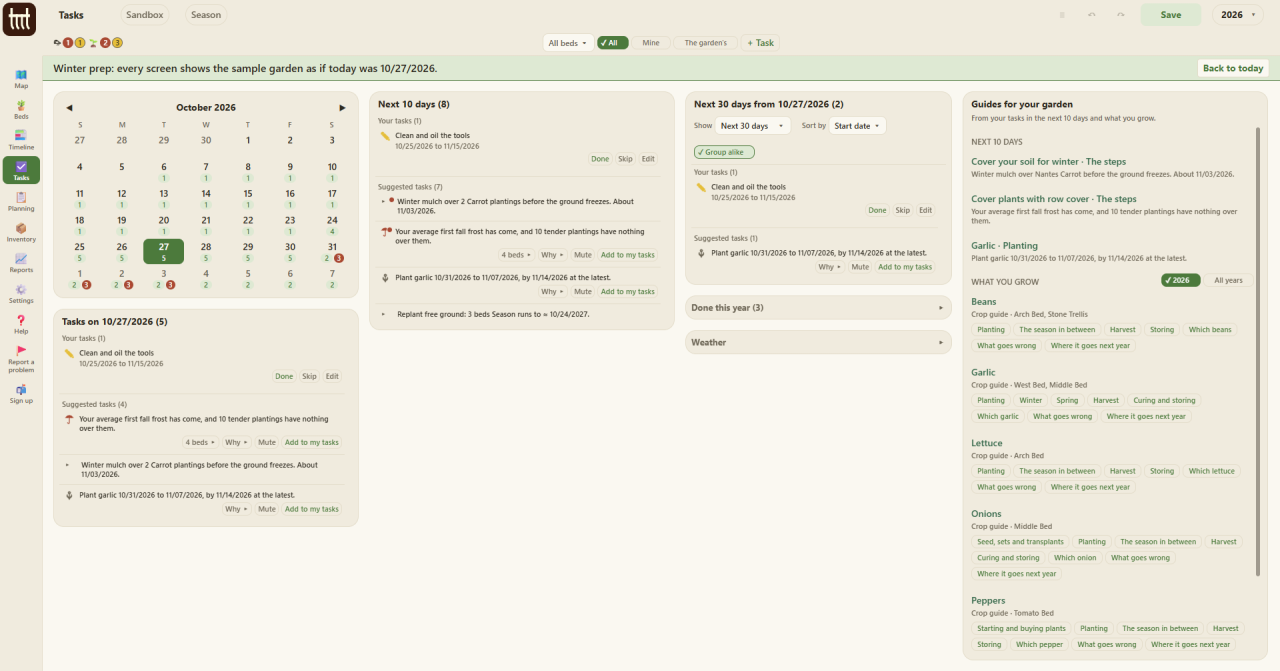
The Tasks page shows eight things in the next ten days. That is the whole list.
A garden does not happen in a day, and it does not happen in an app. It happens outside, over a season, and that is where you should be. Broadfork asks for very little of your time. No streaks, no nagging, no notifications that exist to pull you back.
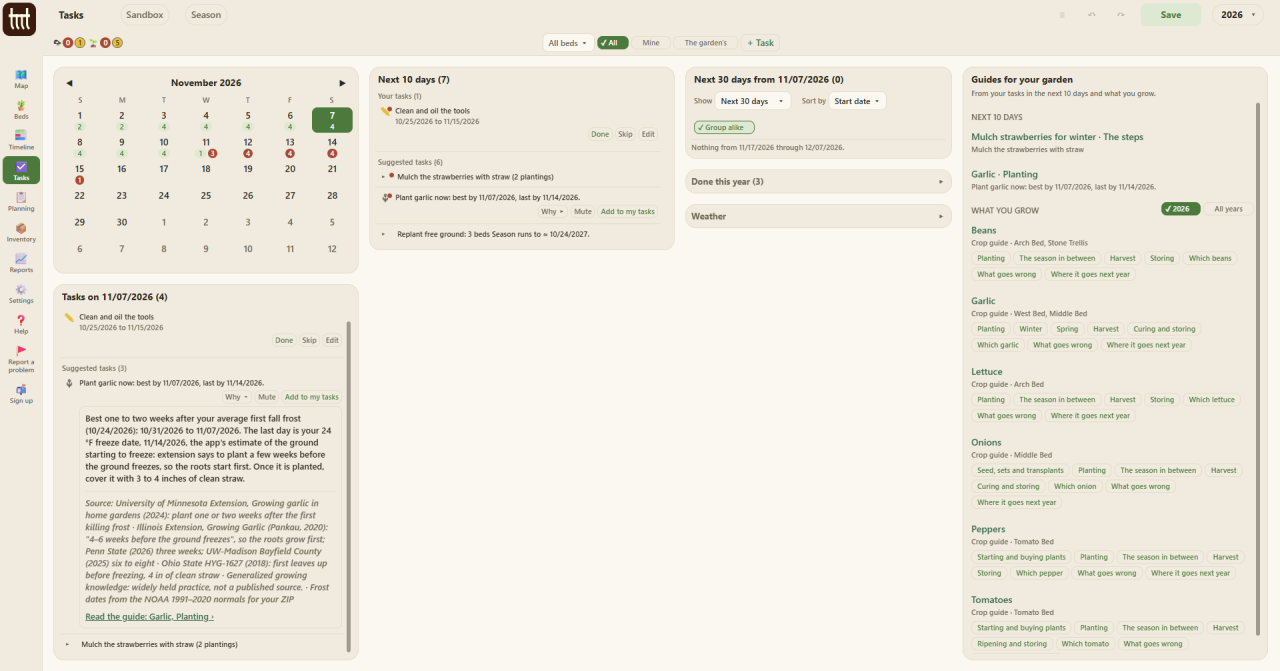
The Tasks page lists what the season asks of you, from what you have planted and what you have logged: the next 10 days, and as far ahead as three months. The whole point is to carry things for you. An app that nags you about what you have not done is just one more thing to keep up with.
Add a task of your own with + Task, or press Add to my tasks on one the garden suggested. In the sample garden the Season button moves its today to set-out, midsummer or winter prep, so you can see what each part of the year asks for.