
The tour · 10 of 11
Learn it by doing it.
A step by step guide at step 3 of 11, on an empty bed.
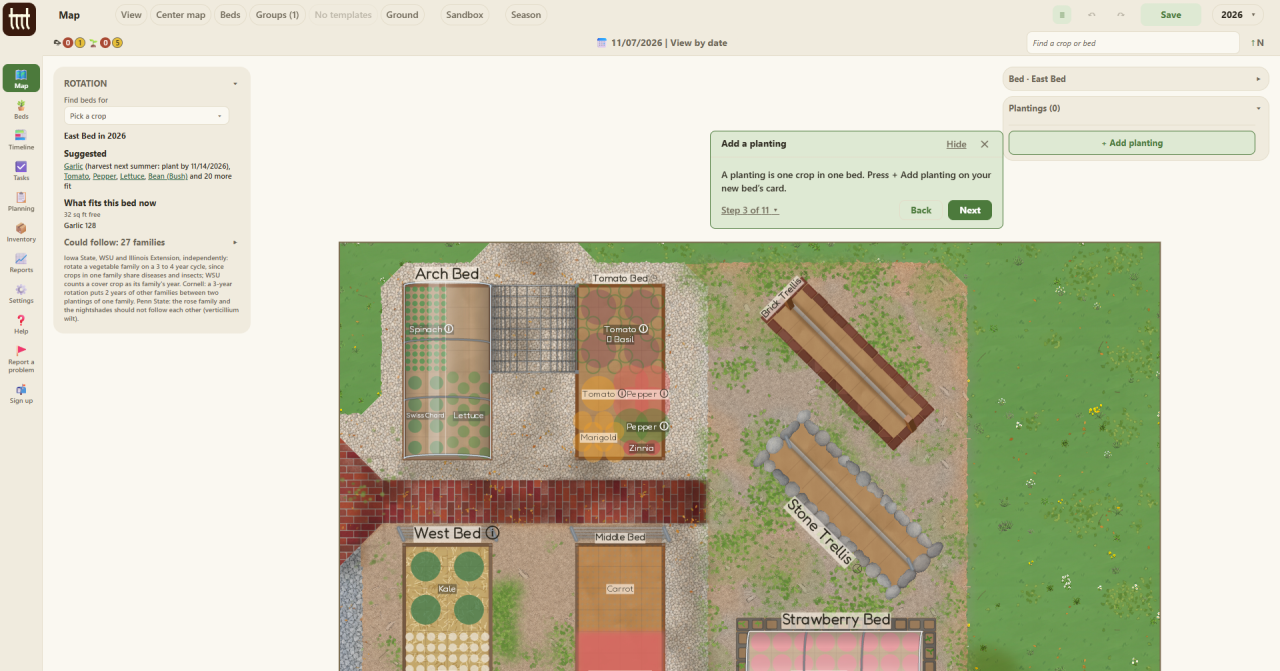
Help holds step by step guides for the jobs the app does: plant a bed by squares or by rows, start seeds indoors, lay a path, add a low tunnel, start a plan, merge two plans, save a backup.
Each one runs on the real screens, one step at a time, and says what to press next. Where a guide adds a bed, its last step says how to take it off the map, or leave it there and keep it.
Help also has a short tour of the whole app, one screen at a time.