Broadfork™

The tour · 6 of 11

What you mean to grow, and the seed to get.

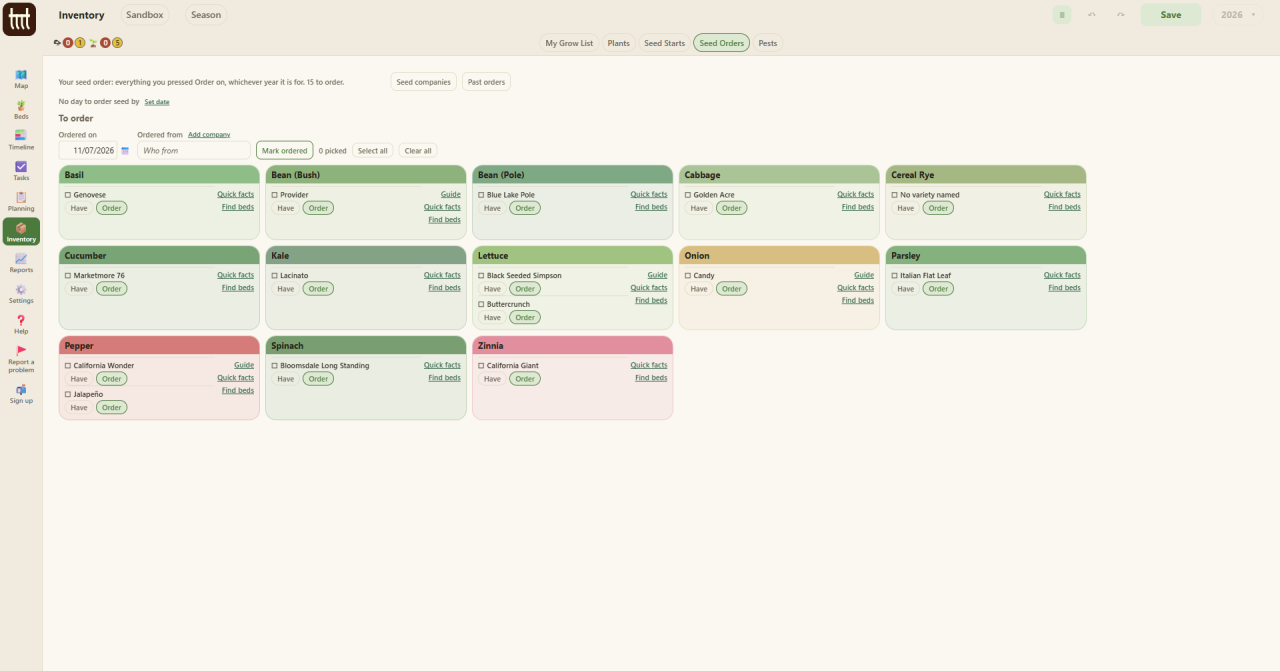
On the day this picture was taken, the seed order had fifteen lines on it.
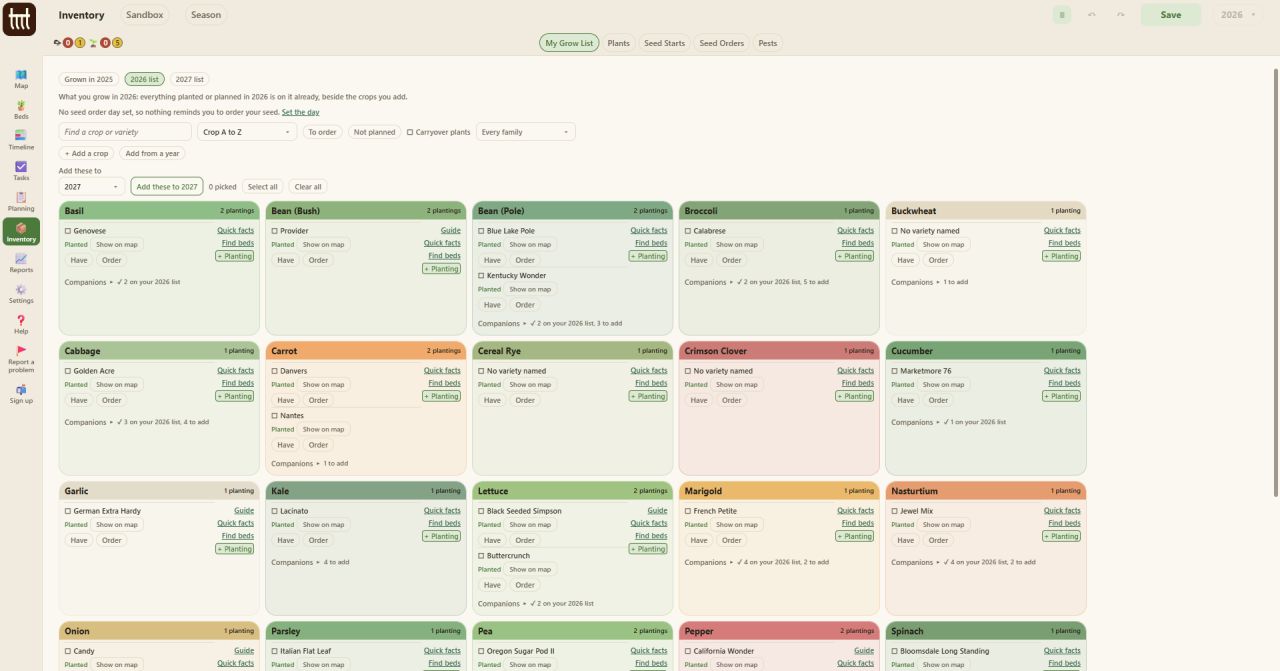
Inventory on My Grow List for 2026: a box for each crop, Basil, Bean, Broccoli, Carrot, Garlic, Kale and more, each variety with Have and Order buttons, links to Quick facts and Find beds, a + Planting button, and a count of companions.
The listThe 2026 grow list. What is planted or planned is on it already, beside the crops you add. Each line says whether you have the seed or need to order it, with Quick facts, Find beds and + Planting beside it.
Inventory on Seed Orders: fifteen lines to order in boxes by crop, with boxes for the day ordered and who from, a Mark ordered button, and Seed companies and Past orders buttons at the top.
Seed ordersEverything you pressed Order on, whichever year it is for. Pick the lines, say who from, and mark them ordered.

My Grow List is what you mean to grow each year. Whatever is planted or planned is on it before you start. Add the rest by crop, or bring a list across from another year.

Each crop shows its companions: how many are on your list and how many you could add. Find beds shows where it fits, and + Planting starts it.

Press Order on what you need and it goes on your seed order, whichever year it is for. Keep your seed companies there, and set a day to order by, and a task comes up on that day. When the seed comes, tick it off: the order moves to Past orders with the day it came, and the crop reads Have on your grow list.